End of day
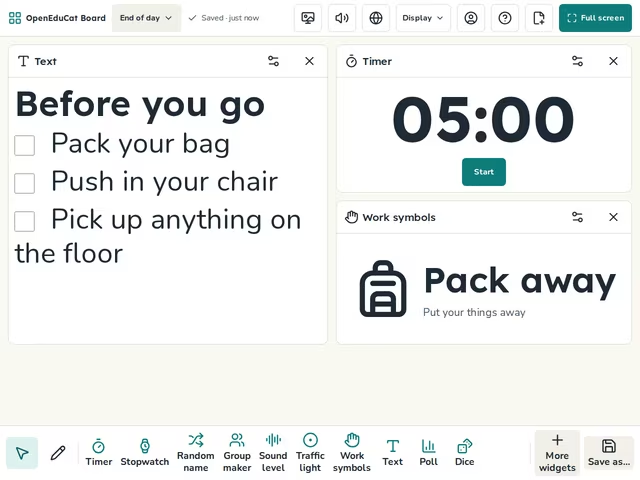
A checklist for packing up, a timer and the pack away symbol.
- Daily screens
- Daily
- No prep
- Free
Use this template
It opens on your board as a new screen in your account. If you are not signed in, you sign in first.
On the screen
- Text
- Timer
- Work symbols
How to use it
- Change the checklist to fit your room.
- Start the timer five minutes before the bell.
- Tick each job as the class finishes it.
Tip
Let a different student tick the list each day.
About this template
- Level
- Primary, Middle school, and High school
- Category
- Daily screens
- Screens
- 1 screen
By OpenEduCat · Published November 4, 2026