Revision sprint
One revision topic, a twenty-minute timer and the silence symbol.
- Exams
- No prep
This template is from a Teacher Plus pack. All 40 templates stay free.
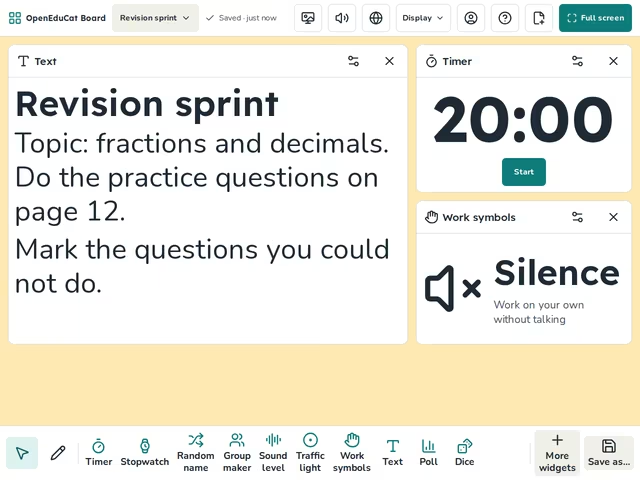
On the screen
- Text
- Timer
- Work symbols
How to use it
- Type the topic to revise.
- Start the timer.
- Go over the hardest question together at the end.
Tip
Keep each sprint to one topic.
About this template
- Level
- Middle school, High school, and College
- Category
- Exams
- Screens
- 1 screen
By OpenEduCat · Published November 5, 2026